> ## Documentation Index
> Fetch the complete documentation index at: https://help.kajabi.com/llms.txt
> Use this file to discover all available pages before exploring further.
# Customize a Newsletter: Premier vs. Encore
> Compare Newsletter customization options between Premier and Encore website themes.
**Premier** and **Encore** website themes offer different levels of Newsletter customization.
## Newsletters and themes
Creating a Newsletter creates three pages on your website:
* Newsletter
* Newsletter Post
* Newsletter Subscribe
If you have the latest version of Encore or a theme created by third-party developers that includes the three Newsletter Website pages installed, you can customize these pages in your site builder. If you use earlier versions of Encore, Legacy Premier themes, or themes created by third-party developers that do not include the Newsletter Website pages, these pages are styled according to your site's theme [settings](../../website/pages/customize-your-page-font-and-style-with-the-style-guide) and cannot be customized with additional content blocks.
If you do not have a theme installed, the Newsletter pages are rendered according to the Kajabi defaults to match other fallback pages.
## Encore
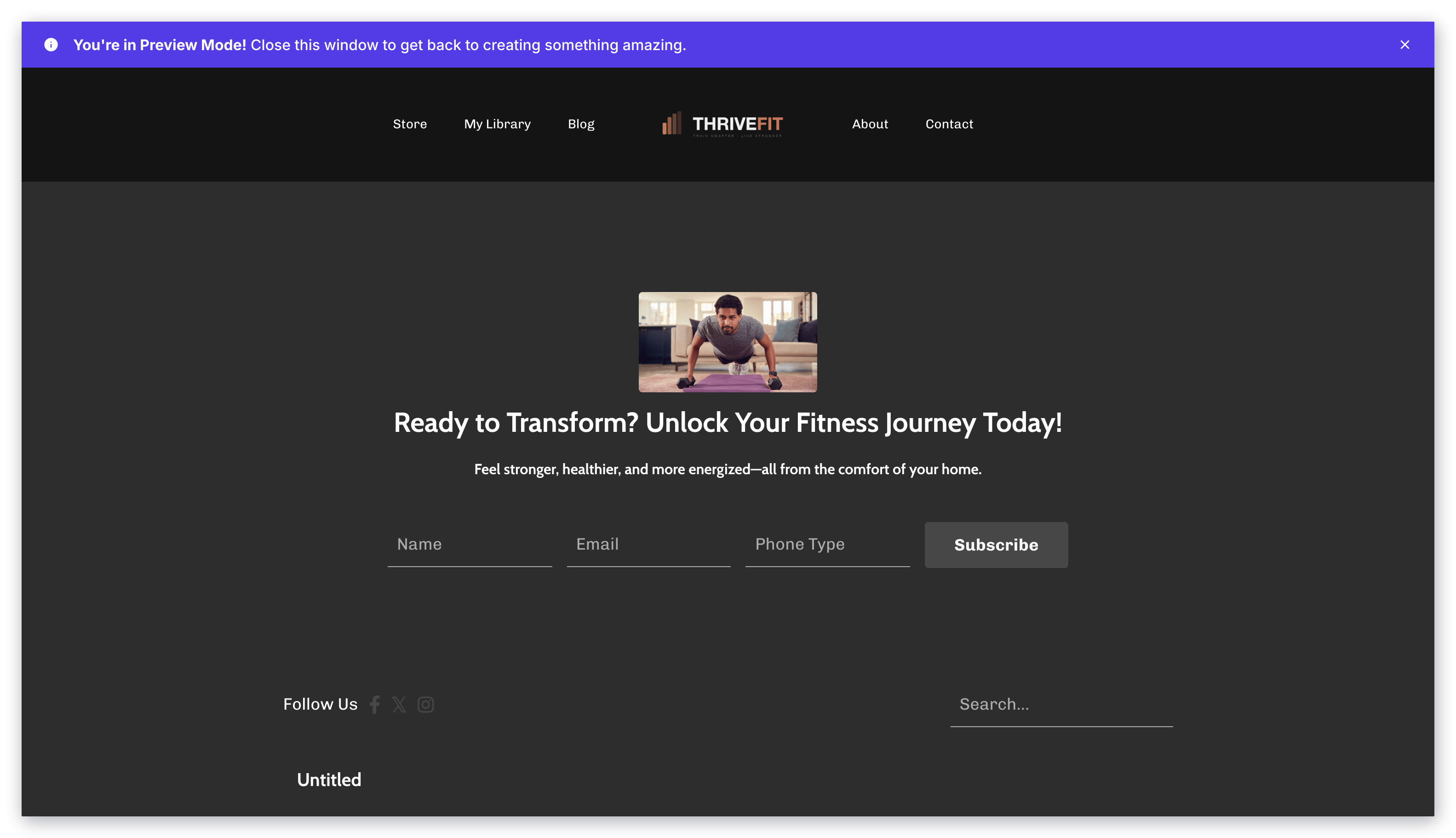
If you are using the latest version of Encore, you can design and customize your Newsletter pages with Encore's robust suite of editing features.
 ## Premier
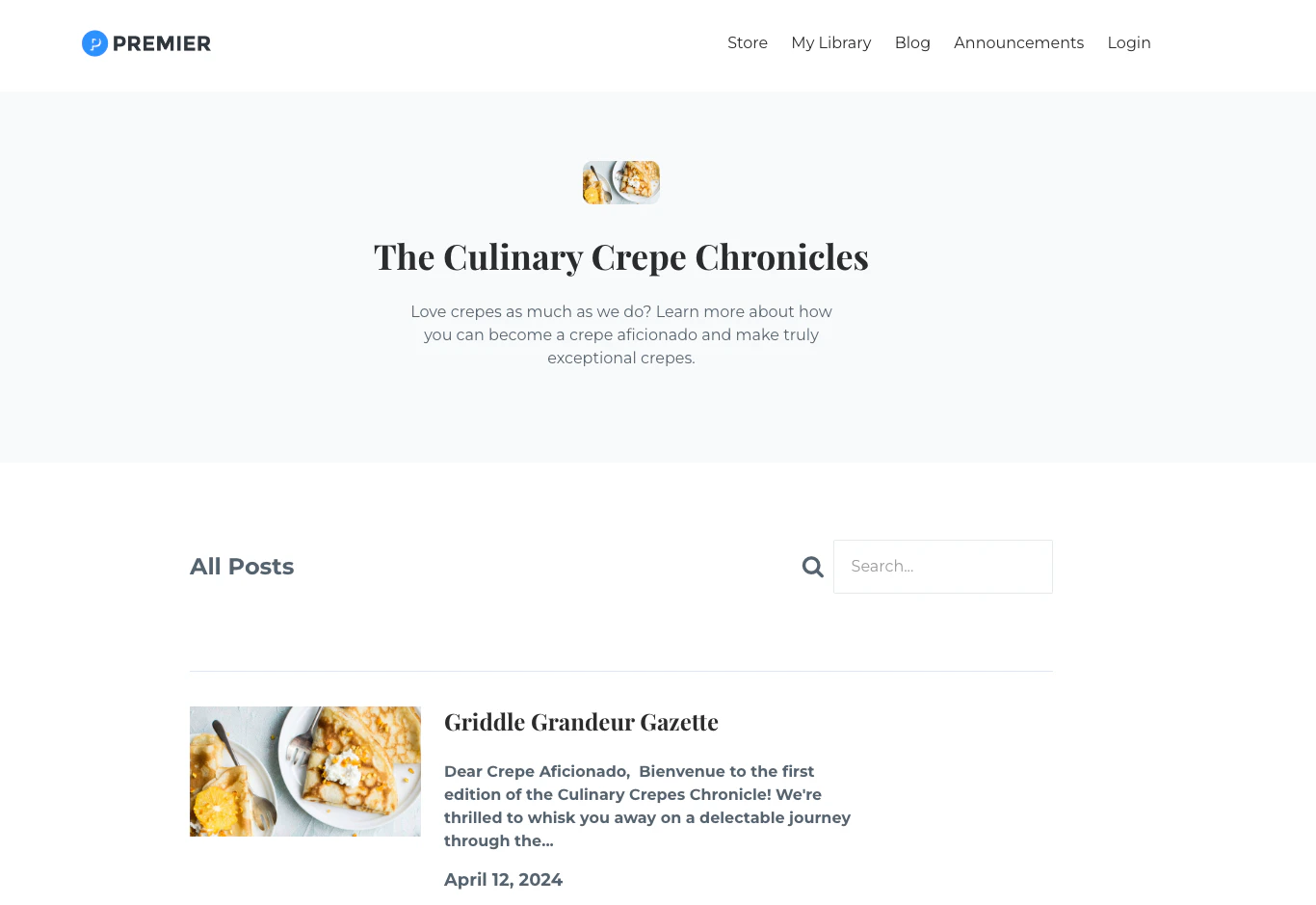
If you have not updated your site theme to the latest version of Encore, your Newsletter pages display your site's theme settings and cannot be customized with additional content blocks or page layouts.
## Premier
If you have not updated your site theme to the latest version of Encore, your Newsletter pages display your site's theme settings and cannot be customized with additional content blocks or page layouts.
 **Tip:** If you are using Premier but want to customize the Newsletter sign-up experience, you can [create a separate landing page](../../website/pages/how-to-add-pages-to-your-website) with a Form block linked to your Newsletter Form. [Learn to create a Form block](../../website/pages/how-to-add-a-form-to-your-page).
### Customizing the Newsletter post content
The Newsletter pages covered above control how your Newsletter appears **on your website**. To design the content of the Newsletter itself the email that gets delivered to your subscribers you'll edit each post individually inside the Newsletter product:
1. In your Kajabi dashboard, navigate to **Products** > **Newsletters**.
2. Select the Newsletter you want to work in.
3. Open an existing post or click **New post** to create one.
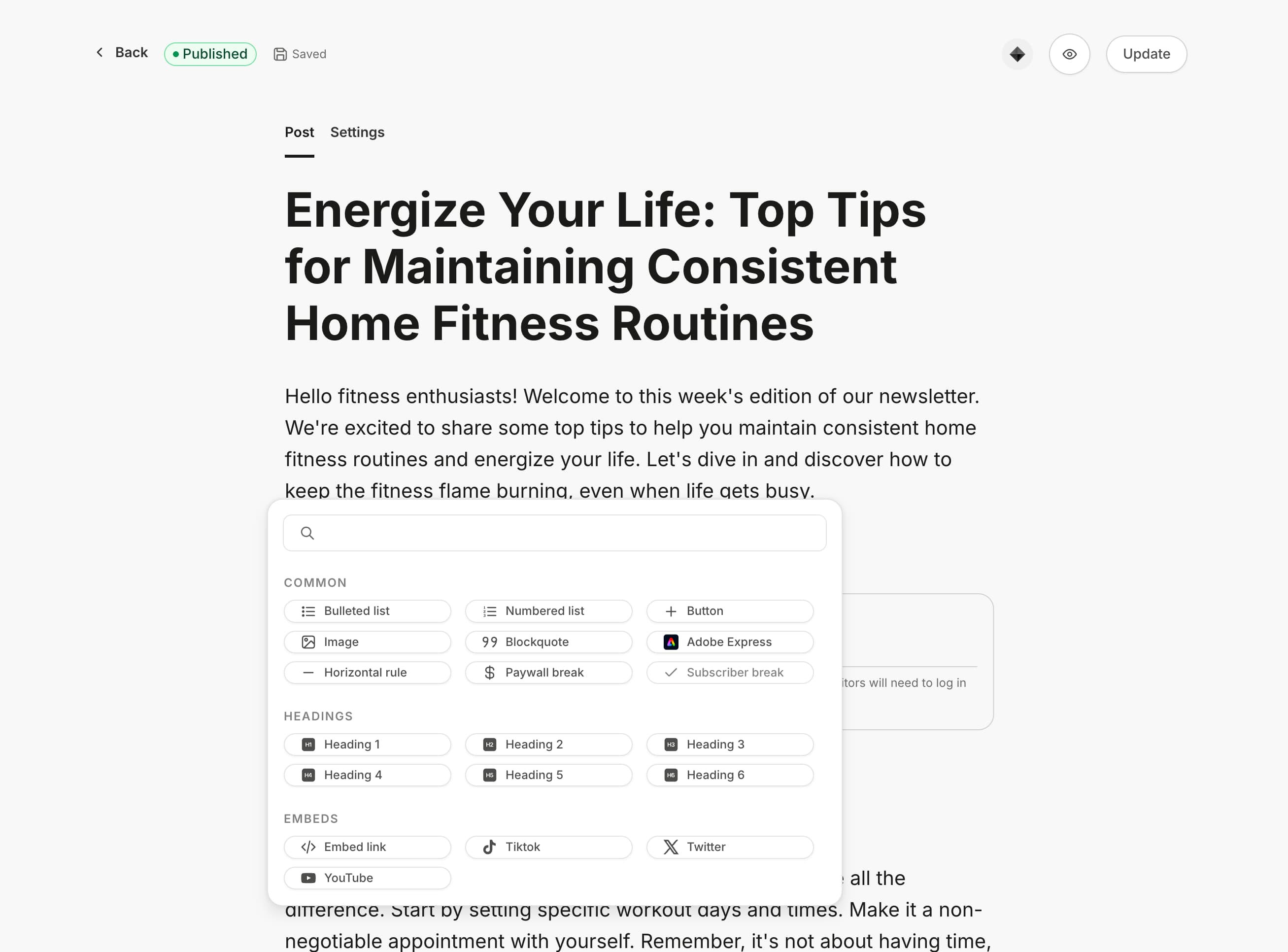
4. Use the post editor to write and format your content, add images, and set the email subject line.
**Tip:** If you are using Premier but want to customize the Newsletter sign-up experience, you can [create a separate landing page](../../website/pages/how-to-add-pages-to-your-website) with a Form block linked to your Newsletter Form. [Learn to create a Form block](../../website/pages/how-to-add-a-form-to-your-page).
### Customizing the Newsletter post content
The Newsletter pages covered above control how your Newsletter appears **on your website**. To design the content of the Newsletter itself the email that gets delivered to your subscribers you'll edit each post individually inside the Newsletter product:
1. In your Kajabi dashboard, navigate to **Products** > **Newsletters**.
2. Select the Newsletter you want to work in.
3. Open an existing post or click **New post** to create one.
4. Use the post editor to write and format your content, add images, and set the email subject line.
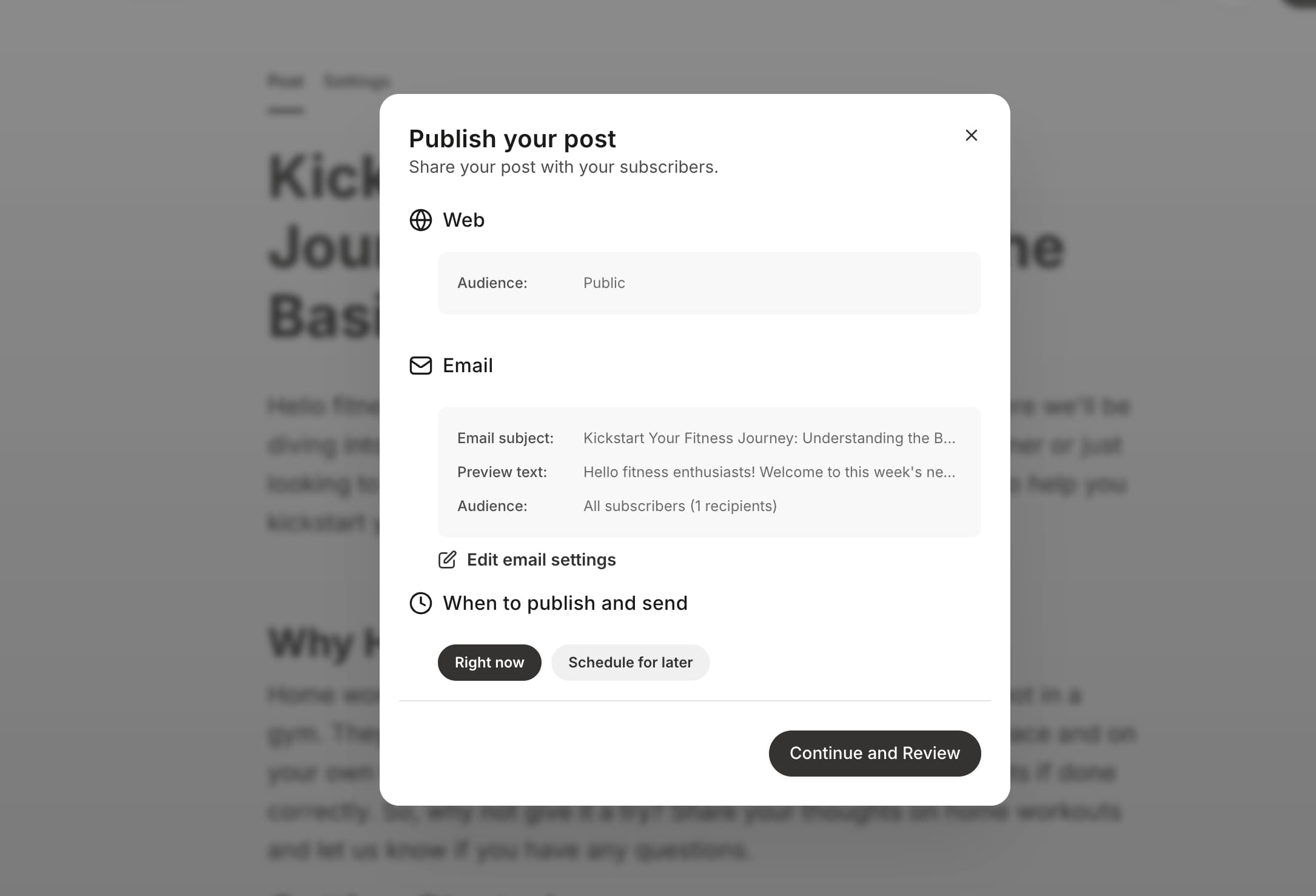
 5. Preview and send, or schedule your post.
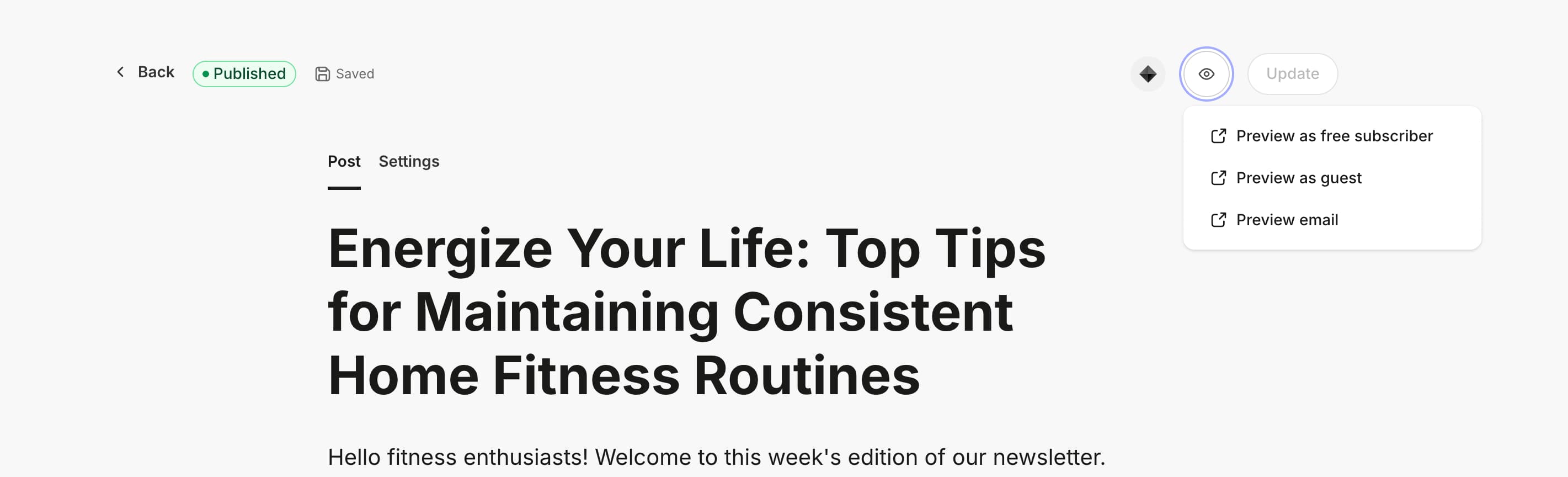
**Preview options if the post is published.**
5. Preview and send, or schedule your post.
**Preview options if the post is published.**
 **Publish options if the post is in draft.**
 **Note**: To learn more about Newsletter, see [Newsletter Overview](https://help.kajabi.com/articles/products/newsletters/newsletters-overview)